What happened to Screely?
For years, Screely was the go-to answer to "how do I make a screenshot look nice without Photoshop": paste an image, get it back inside a browser window mockup on a tinted background. As of 2026, screely.com no longer hosts the screenshot tool — the domain serves unrelated content, and the original tool is effectively defunct.
If you're hunting for a replacement, you probably want the same three things Screely nailed: zero learning curve, a clean browser frame, and free.
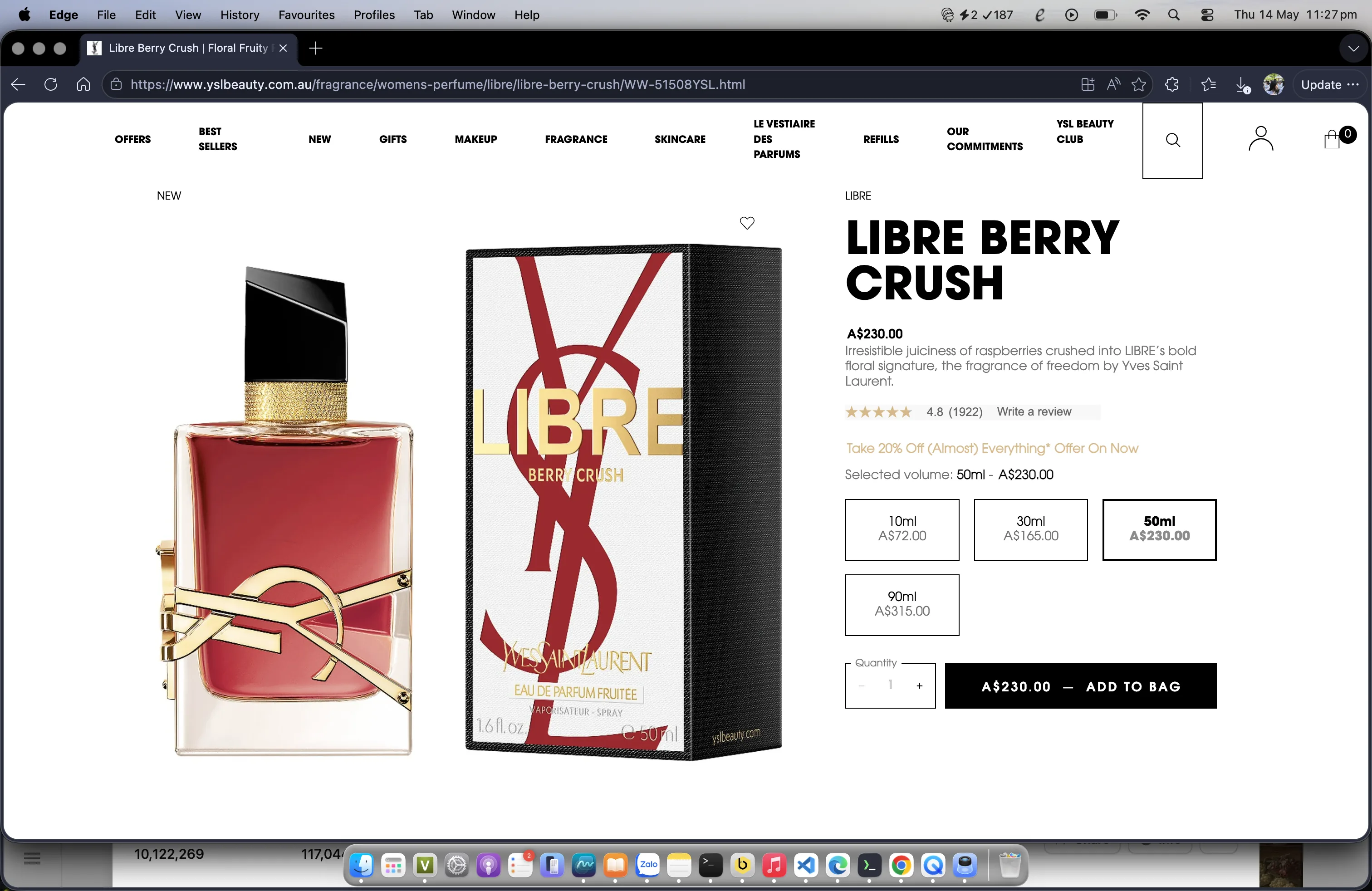
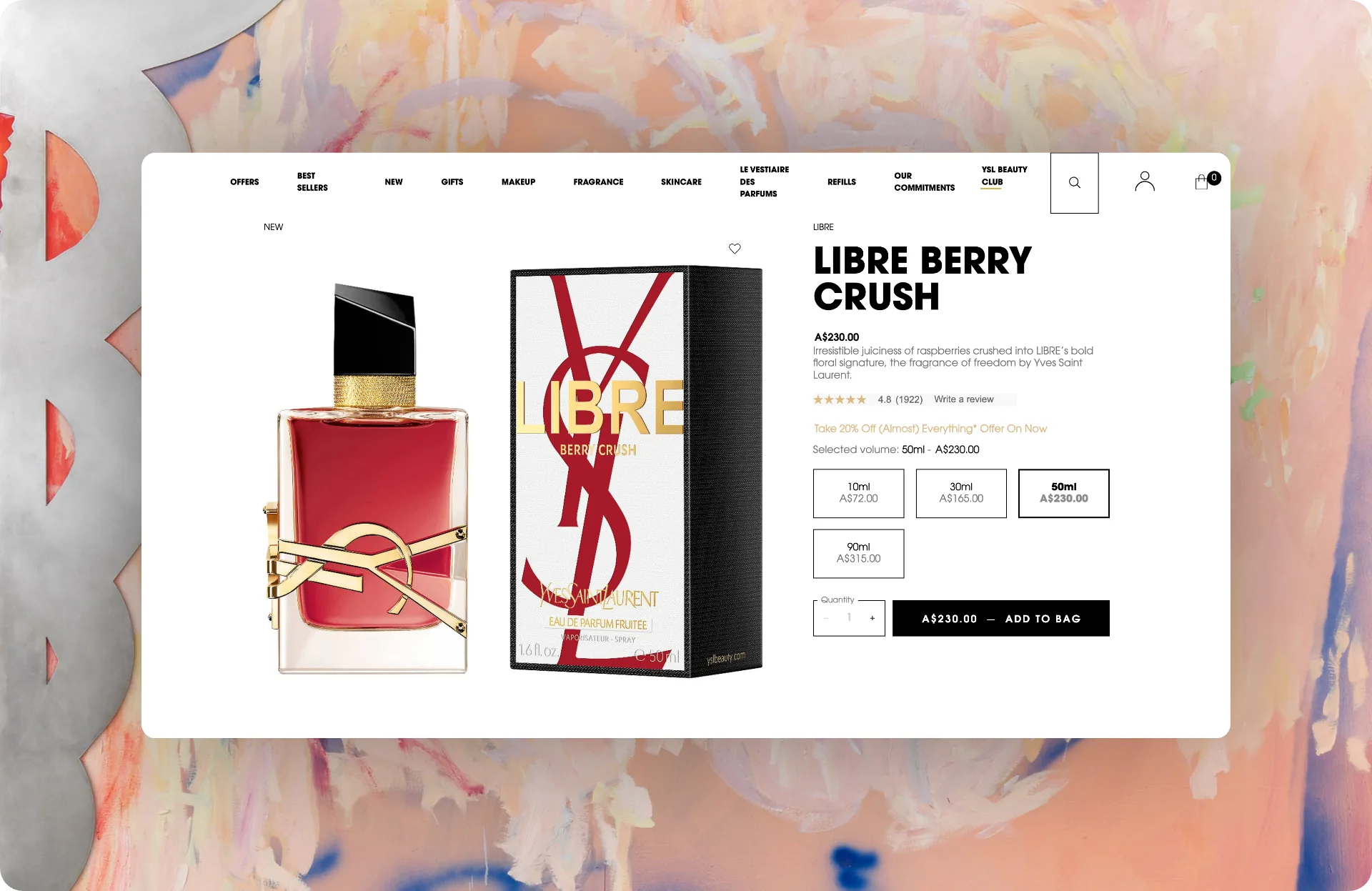
Screenshot Framer: the same job, closer to your screenshot
Screenshot Framer is a free Chrome extension that does what Screely did — and skips the paste-into-a-website step entirely. Right-click any webpage, drag to select, and get back a framed, share-ready image.
| Capability | Screely (defunct) | Screenshot Framer |
|---|---|---|
| Price | Free (while it existed) | Free, no watermark |
| Browser window mockup | Yes | macOS Safari frame, light & dark |
| Capture built in | No — upload/paste only | Right-click area or full-viewport capture |
| Backgrounds | Solid colors | 31 gradients (incl. Big Sur & Bliss homages), 13 patterns, auto-match, custom image |
| Annotations | No | 10 tools: arrows, shapes, pen, text, step counter |
| Redaction | No | Draw-to-redact (blur or block) |
| Export | PNG | PNG, JPG, WebP, PDF, SVG — up to 8K |
| Privacy | Web upload | 100% local — image never leaves your browser |
Why an extension beats a web app for this
- No tab-juggling. Screely's flow was screenshot → save → open site → upload. Screenshot Framer's flow is right-click → drag. The capture and the beautify are one step.
- Nothing is uploaded. Everything renders locally in your browser — safe for screenshots with customer data, API keys, or unreleased features (and you can redact those too).
- No account, no caps. No sign-up wall, no monthly export limit, no watermark on the free tier — because there's no paid tier.
Other Screely alternatives, honestly compared
Depending on your workflow, these are also worth a look: Pika.style (powerful web-based editor with templates; high-res export requires the paid plan), BrandBird (extension + web app combo; advanced features live in the paid web app), and Shots.so (design-focused web mockup tool). If your goal is simply "make this screenshot presentable in under 30 seconds, free," an in-browser extension is the shortest path.