Why frame a screenshot at all?
A raw screenshot pasted into a blog post or tweet reads as unfinished — hard edges, no context, random cropping. Wrapped in a browser window on a soft gradient, the exact same pixels read as a product shot. That's why landing pages, changelogs and launch tweets almost always show UI inside a browser or device frame.
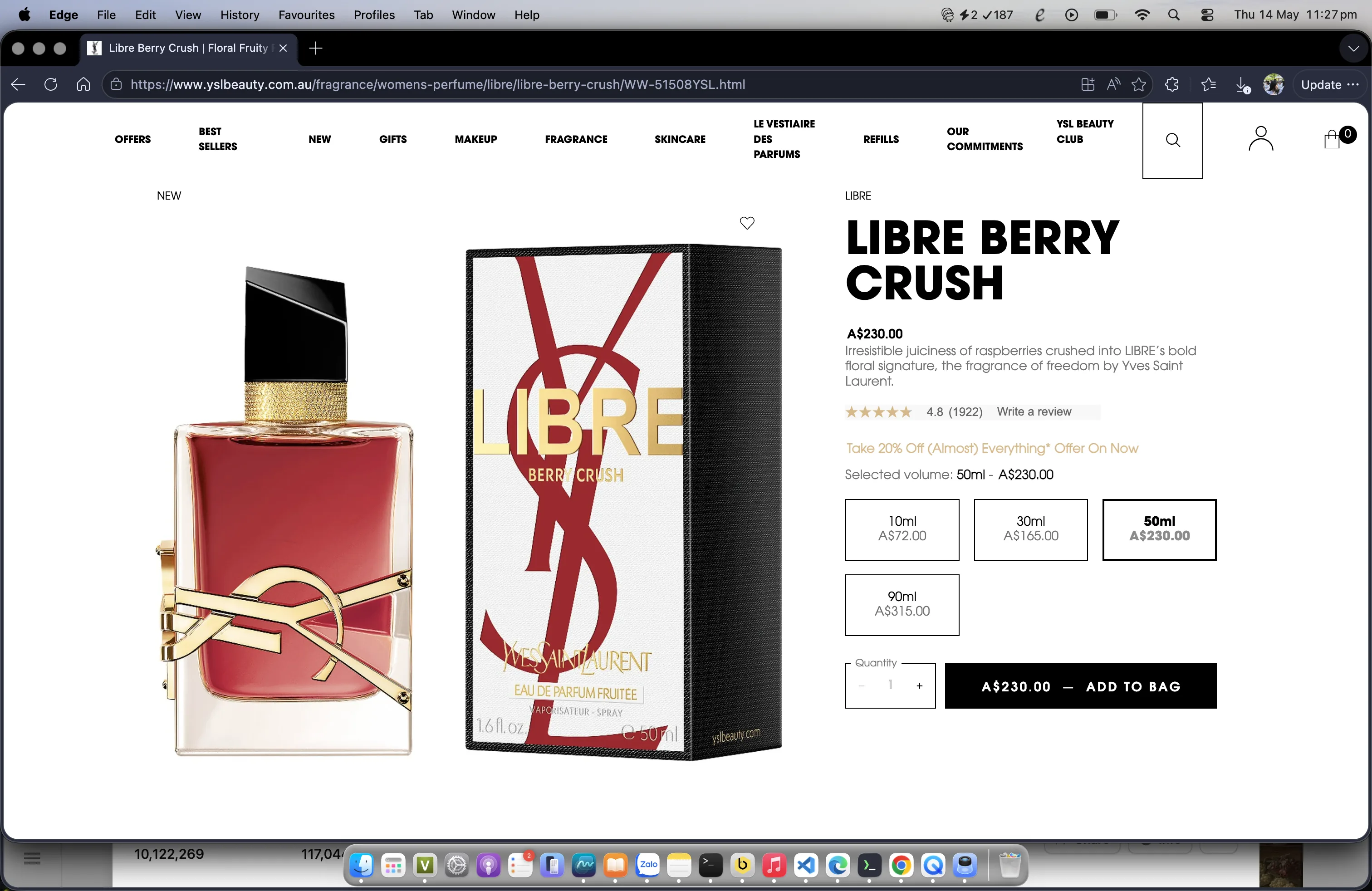
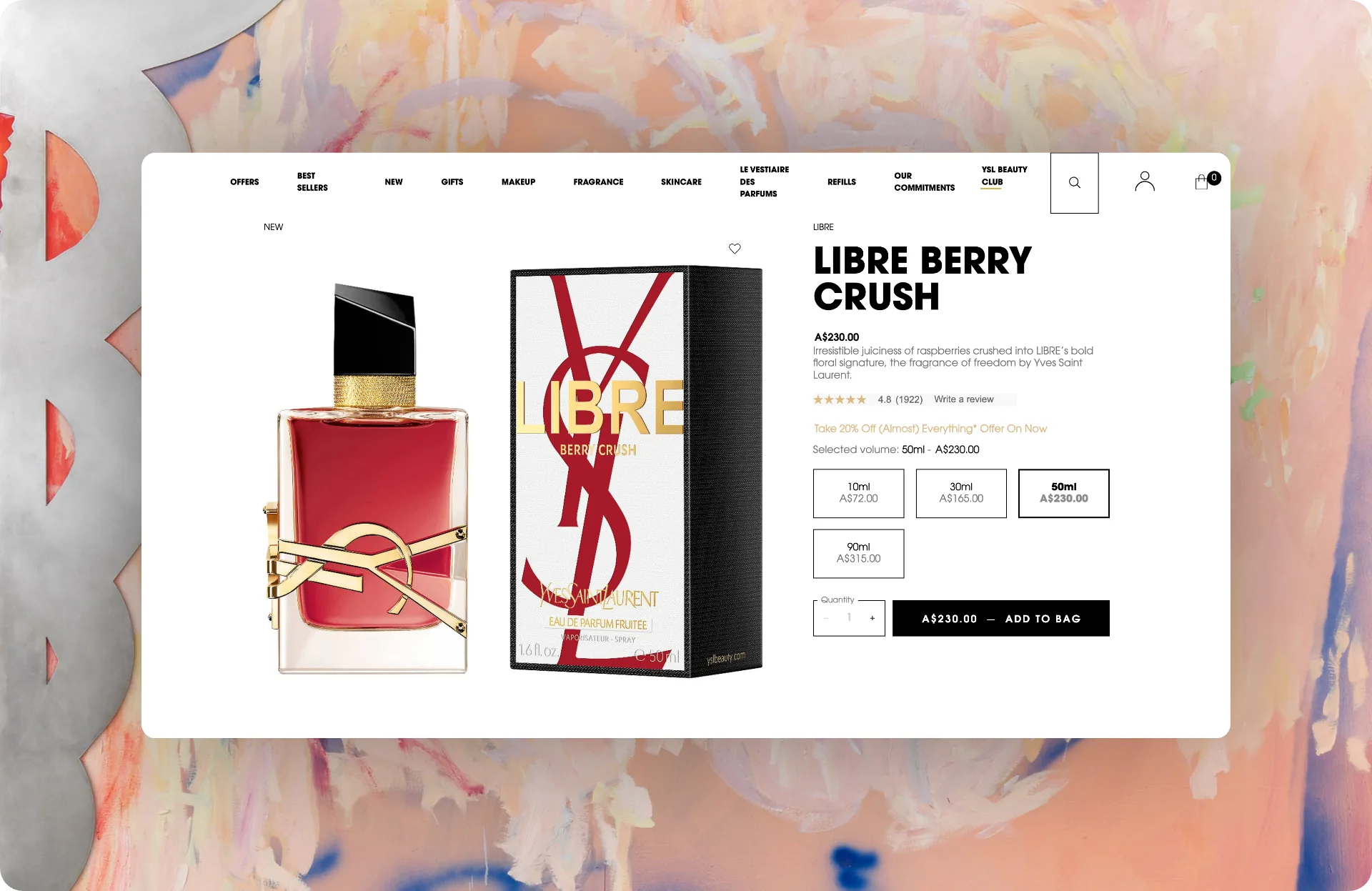
The 30-second method (free Chrome extension)
- 1. Capture. Right-click any webpage → Screenshot Framer → drag to select the area, or grab the whole visible tab. Already have the image? Paste it, drag-and-drop it, or upload from disk.
- 2. Frame. Pick the macOS Safari frame — light or dark. Type any address into the custom URL field and it appears in the Safari bar; add the MacBook menu bar overlay for a full-desktop look.
- 3. Style. Choose from 31 gradients — including macOS Big Sur and Windows Bliss homages — or 13 patterns (or let Auto background sample your screenshot and generate a matching backdrop). Tune corner radius and shadow with live-preview sliders; snap to 16:9, 4:3, 1:1 or a custom ratio.
- 4. Export. PNG, JPG, WebP, PDF or SVG — at 1×, 2× Retina, 4K or 8K — or share straight to X, LinkedIn, Slack, Discord and 9 more platforms.
Install Screenshot Framer free → It runs 100% locally — the screenshot never leaves your browser.
The alternatives, and when to use them
| Method | Time | Best for |
|---|---|---|
| Screenshot Framer (extension) | ~30 sec | Everyday shots for blogs, docs, social, README files |
| Figma / Sketch template | 5–15 min | Pixel-perfect brand-controlled marketing assets |
| Web mockup apps (Pika, Shots.so) | 2–5 min | 3D device mockups, app-store artwork |
| Photoshop | 15+ min | Composites and heavy retouching |
Pro touches most people miss
- Match the frame to the content. Dark-mode UI looks best in the dark Safari frame — mixed modes look off.
- Set a real URL. A believable address bar ("yourapp.com/dashboard") makes the shot read as live product, not mockup.
- Redact before you ship. Blur emails, tokens and customer names with the draw-to-redact brush — retro-editing a leaked key is much more expensive.
- Export 2× for retina displays. A 1× export looks soft on modern screens; 2× is the sweet spot for web embeds.