Is Screenshot Framer really free?
Yes — 100% free forever. No account, no credit card, no paywall, no hidden fees, no "pro" upsell. The whole feature set ships free.
Does it collect or upload my captures?
No. Screenshot and recording capture, framing and export run locally in your browser, and capture content is never uploaded. Optional anonymous usage metrics are off by default and never include screenshots, recordings, page content or visited URLs.
Can it record browser interactions?
Yes. Right-click a normal webpage, choose “Record GIF / Video,” then select 3, 5 or 10 seconds. The finished clip opens automatically in the editor, where you can change its frame, background and playback speed before exporting MP4, WebM or GIF.
Which frames does it support?
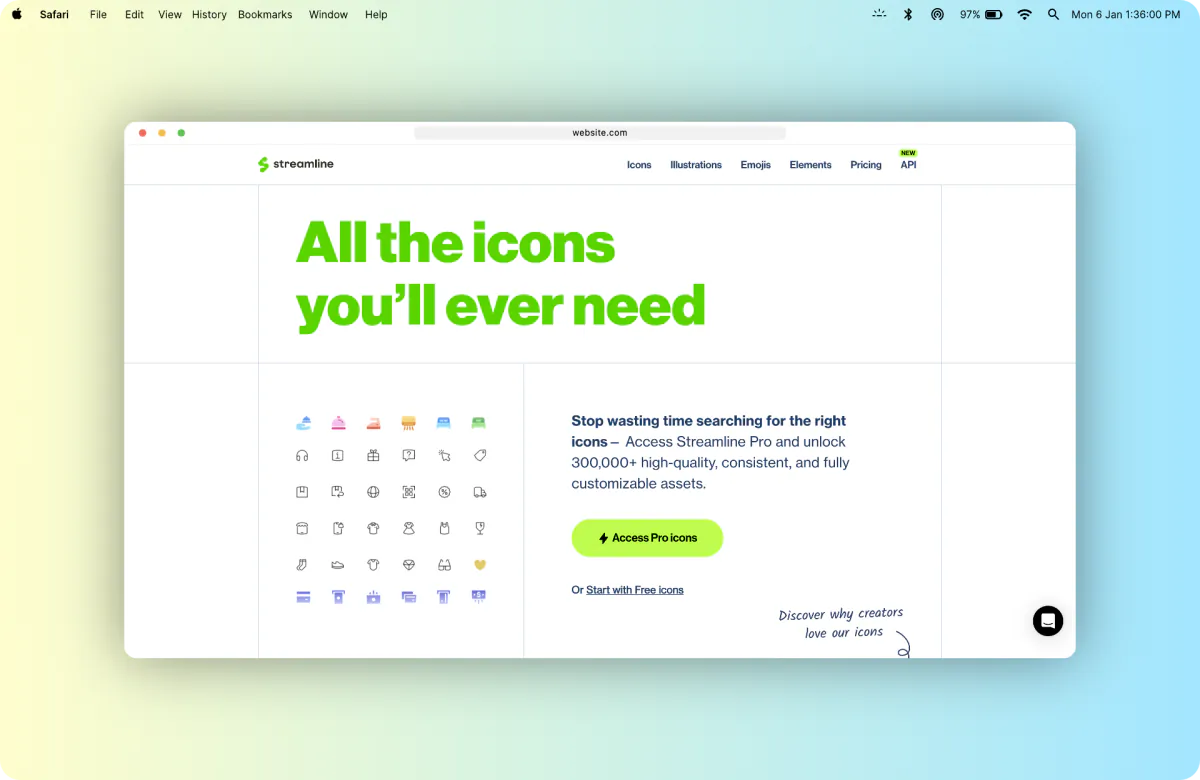
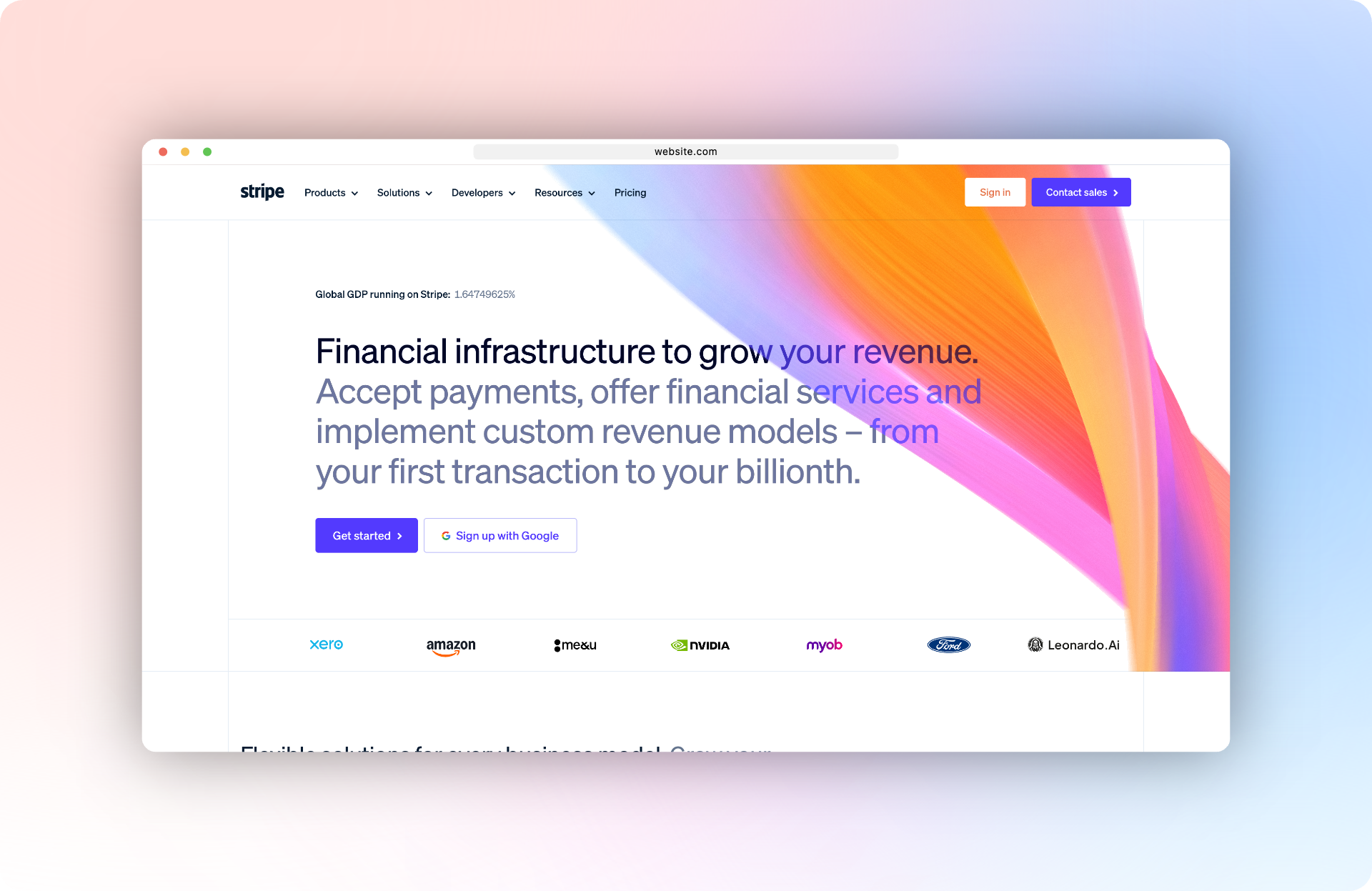
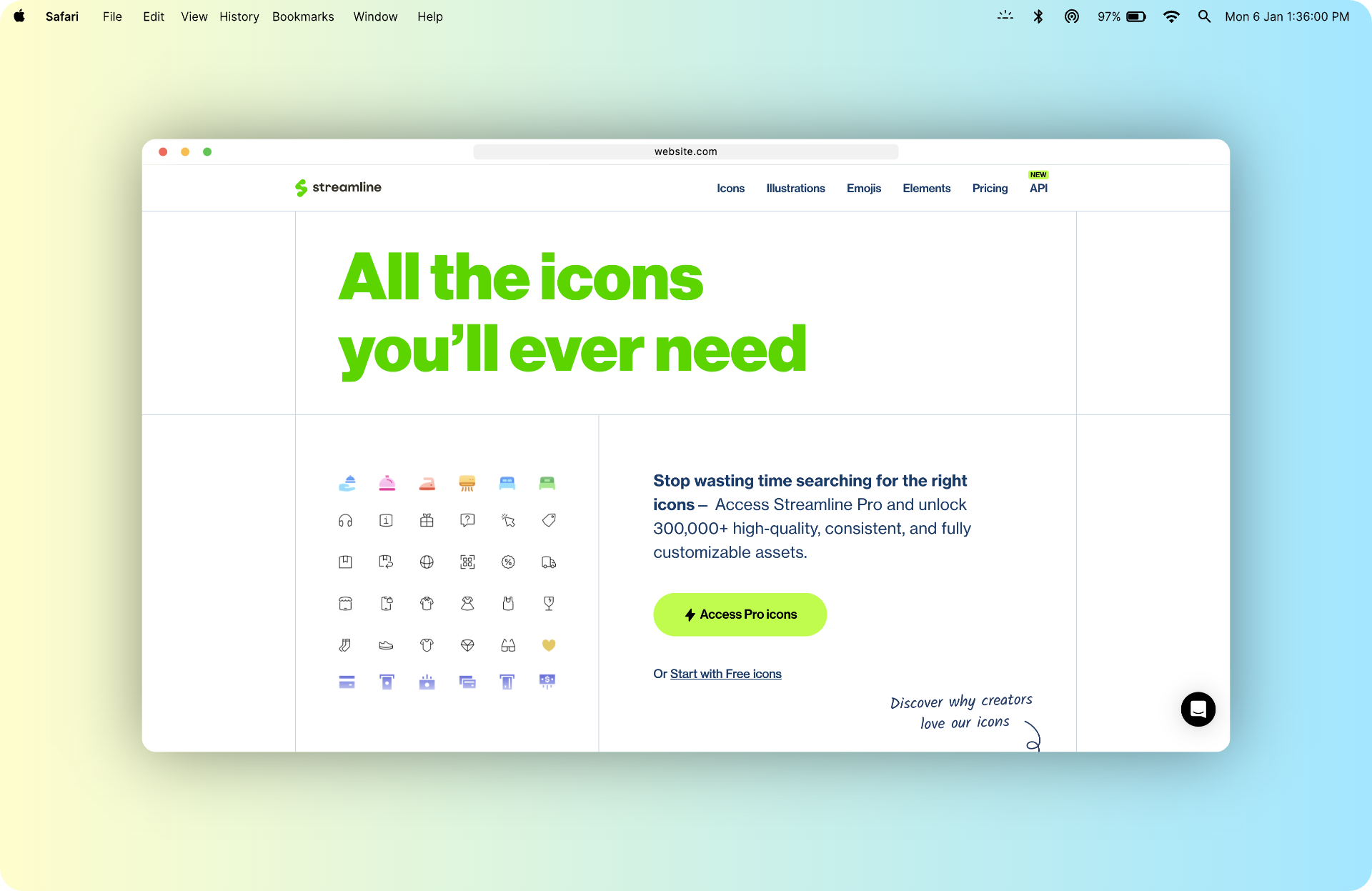
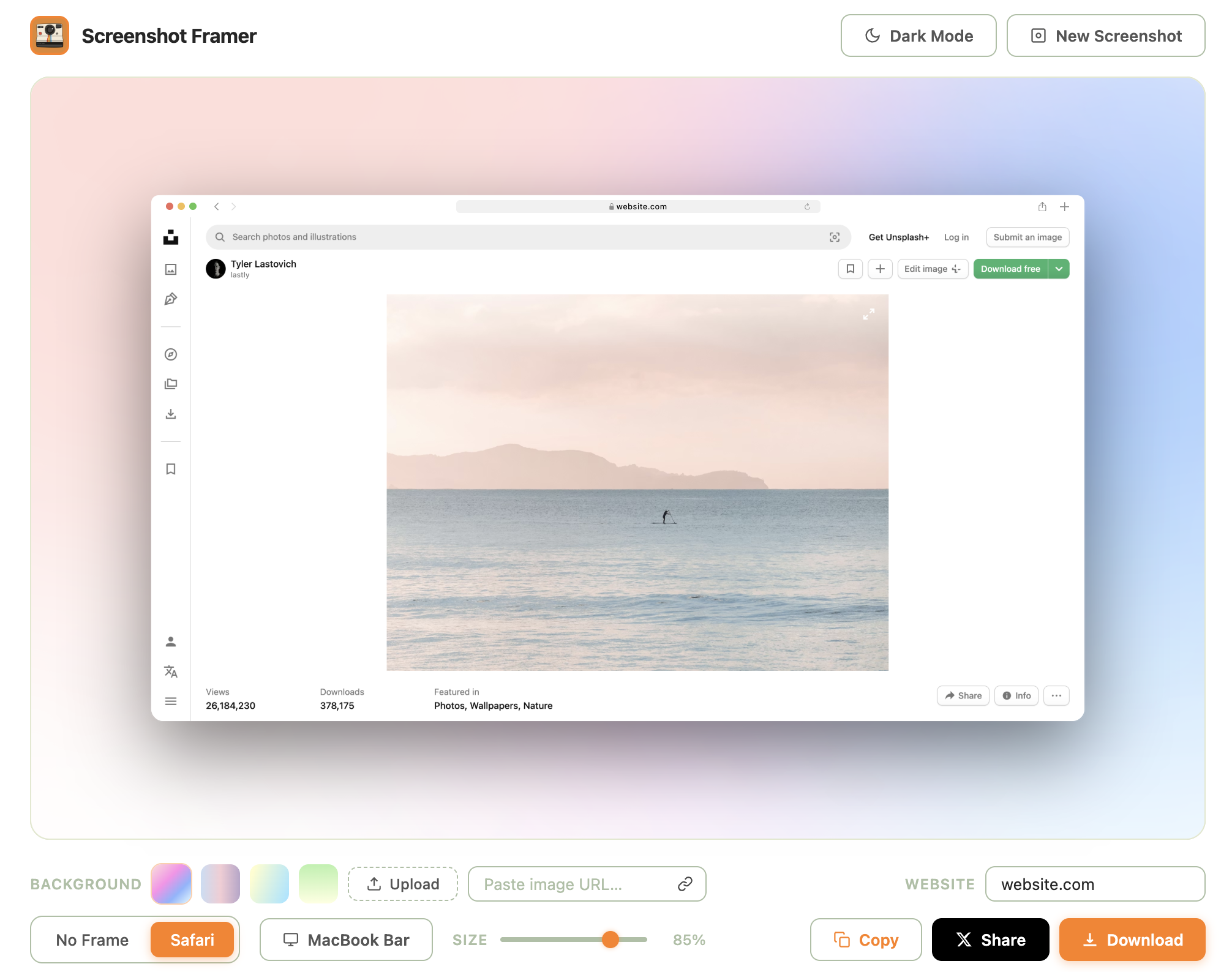
Nine visual options: frameless, macOS light, macOS dark, Photo Feed, Micro Post, Professional Update, Story, Short Video and Carousel. The six social layouts are original and platform-neutral, and every option appears as a preview card before you select it.
What export formats and resolutions can I get?
Stills export as PNG (lossless), JPG, WebP, PDF or SVG — plus Print — and recordings export as MP4, WebM or GIF. Still-image quality presets include 1×, 2× Retina, 4K, 8K or a custom width from 100–16000 px, with a separate JPG / WebP quality slider.
Can it hide sensitive information from a screenshot?
Yes. The redact tool lets you drag anywhere on the canvas to draw blur or solid blocks over any sensitive info — emails, API keys, account numbers, faces, anything you don't want shipping with your screenshot. Click a block to remove it.
Which social platforms does the share button cover?
Thirteen: X (Twitter), LinkedIn, Reddit, Facebook, Threads, Bluesky, Telegram, WhatsApp, Instagram, Slack, Microsoft Teams, Discord and Email. The image is copied to your clipboard and the platform's compose flow opens automatically — paste, post, done.
Can I screenshot just highlighted text?
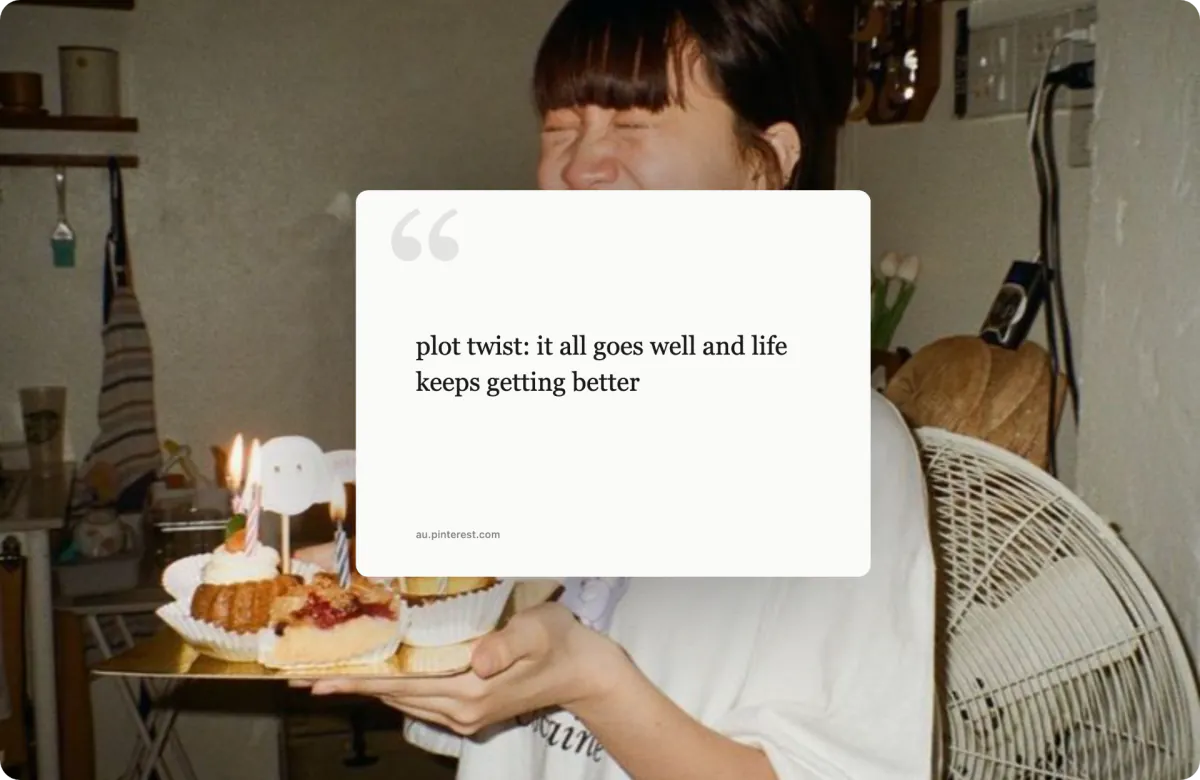
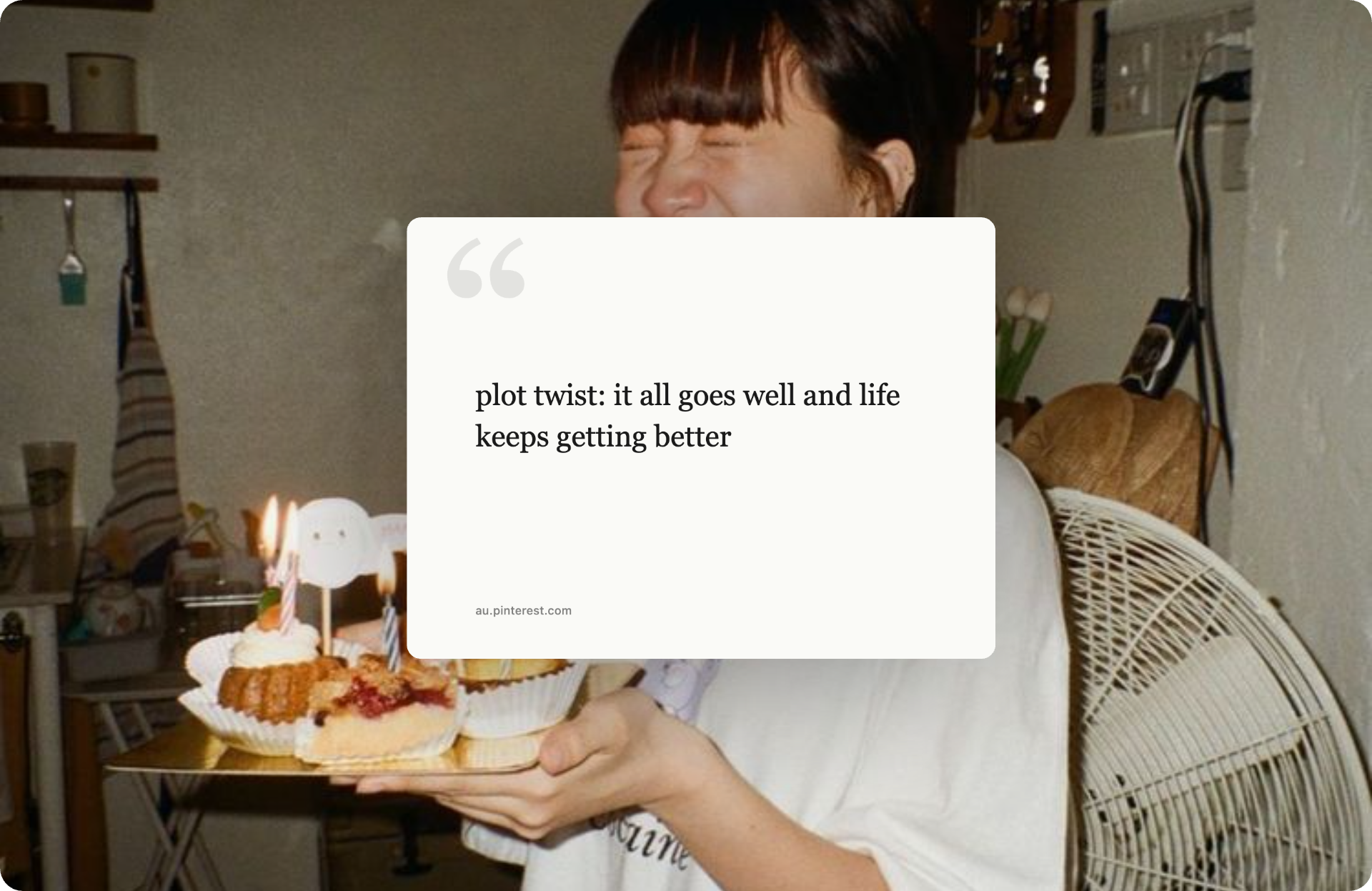
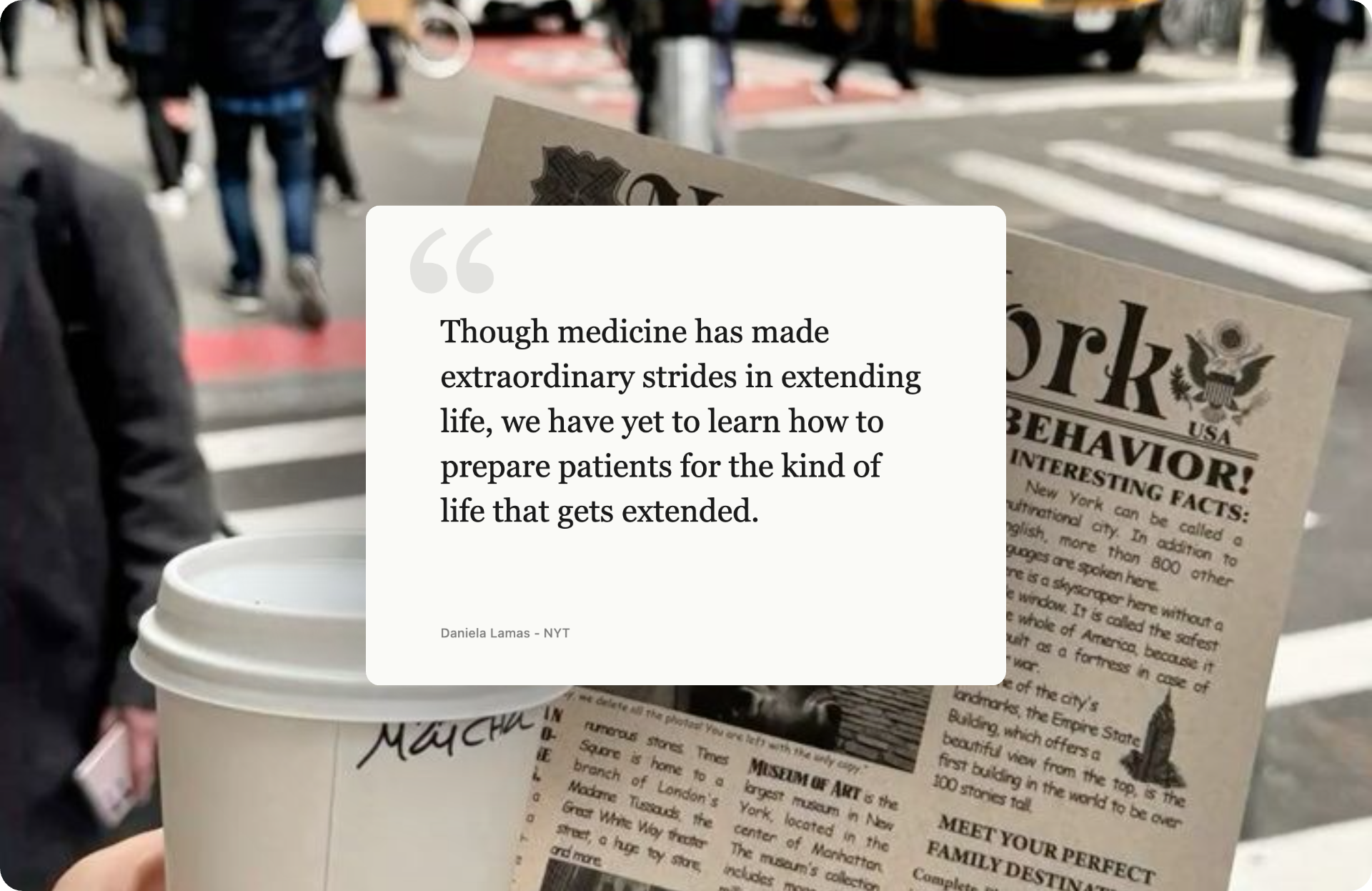
Yes. Highlight any text on the page, right-click, and choose "Create Framer from selected text" — your selection becomes a typography-styled quote card with the source URL.
Can I make social media graphics or a product introduction post?
Yes. Start with Photo Feed, Micro Post, Professional Update, Story, Short Video or Carousel, then edit the display name, handle, caption, role and slide count. Add a product image, wallpaper, gradient or quote card and export up to 8K for a crisp result on any feed.
Can I cite a research paper or study in the quote card?
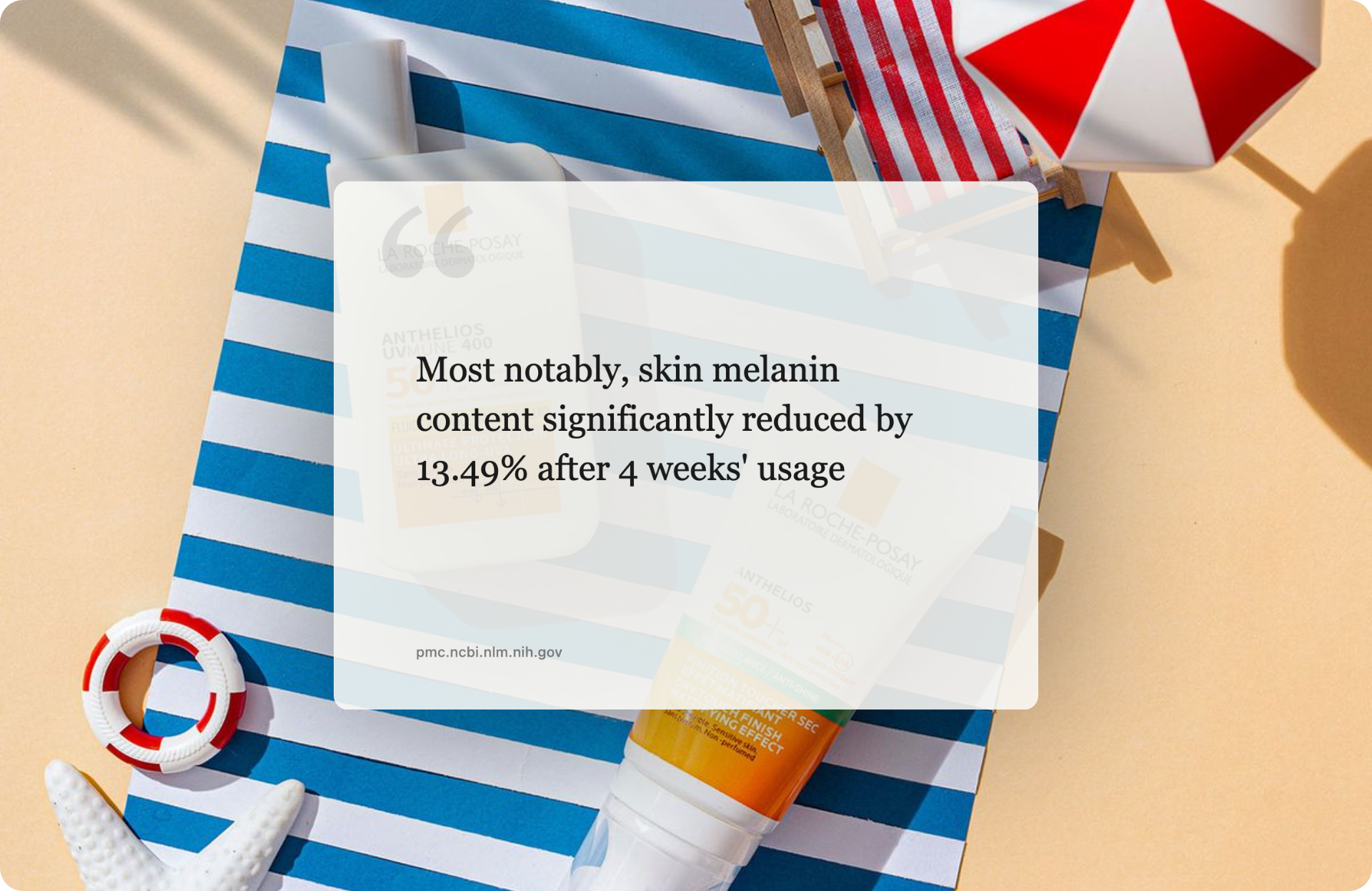
Yes. Highlight a stat or sentence on the study page (PubMed, journal article, press release), right-click → "Create Framer from selected text" — the source URL appears as a caption on the card. Great for clinical findings, product efficacy stats and academic citations on social media.
Does it work on every website?
Any website, any screenshot. No domain block list, no per-site limits. Internal admin tools, paywalled articles, locally-hosted dev environments — all fair game.
Is there a mobile or Firefox version?
Right now: Chrome and Edge (90+). Firefox is on the roadmap — it needs Manifest V3 parity. Safari and a native iOS share extension are being scoped.
How fast is it, really?
Right-click → drag → result tab opens with the framed screenshot in roughly 30 seconds. Quick-paste from clipboard skips the capture entirely.



 Screenshot Framer